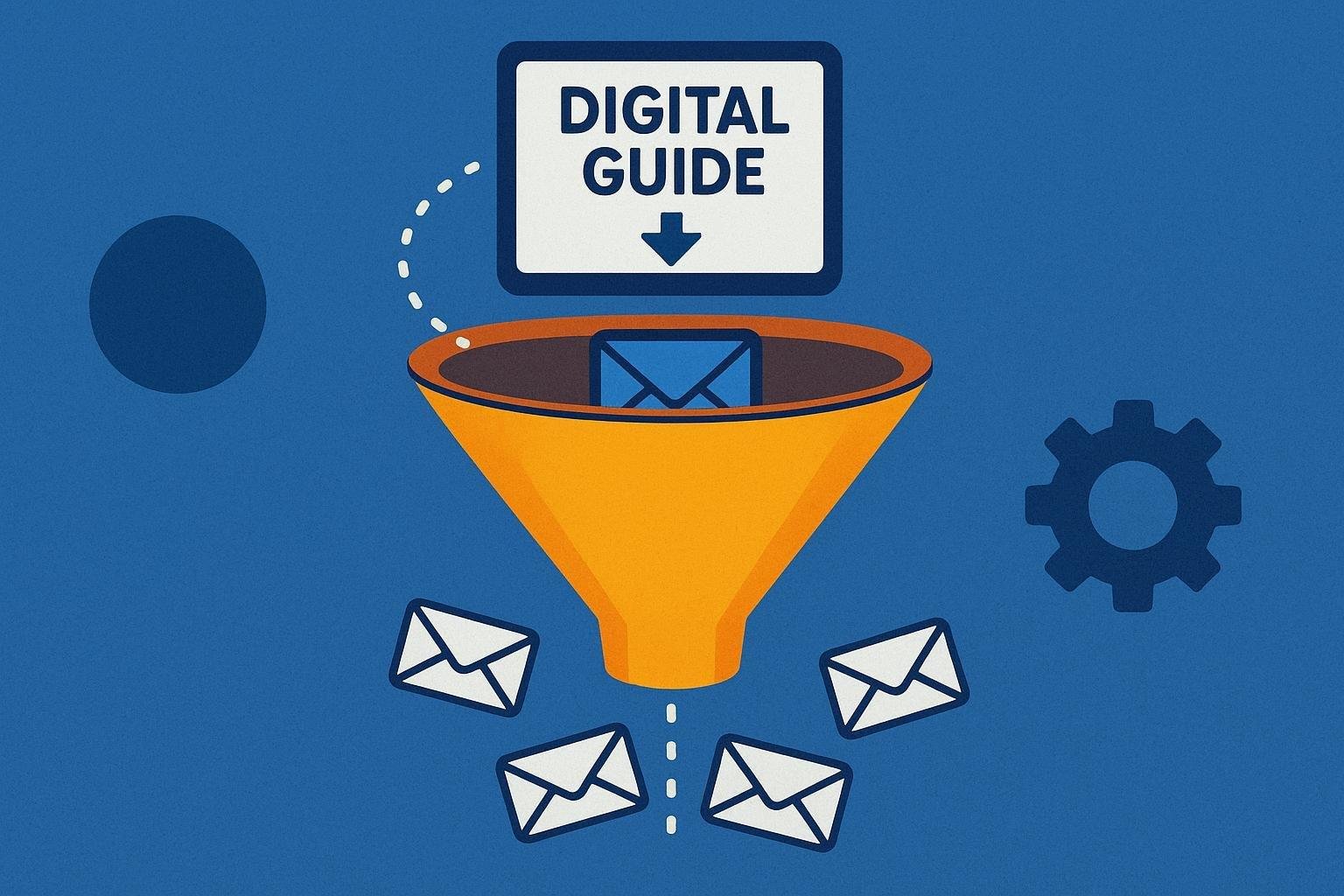
Do you want to save time, increase your sales and improve your relationship with your customers without having advanced technical knowledge? Then you need to discover email automation, an essential tool for any digital business that allows you to automate and personalize your email communications.
In this definitive guide you will learn step by step how to implement your first email automation strategy, from understanding its benefits to choosing the right platform. It doesn’t matter if you are an employee, freelancer or small business owner: with the keys you will see here, you will be able to make the most of this powerful tool to grow your online business. 
Index
- Introduction to email automation: what is it and how does it benefit your business?
- Essential e-mail automation tools for beginners
- Key steps to create an effective automated campaign from scratch
- Common email automation mistakes to avoid
- Practical tips for optimizing your automated campaigns and measuring results
- Frequently Asked Questions
- To conclude
Introduction to email automation: what is it and how does it benefit your business?
Imagine being able to send the right message to the right person, at the right time, without having to do it manually every time. With email automation you can schedule emails to be sent automatically based on the actions or behaviors of your subscribers, helping you save time and effort while increasing your sales opportunities.
Thanks to this tool, you can create different types of automated campaigns adapted to your objectives, such as:
- Welcome mailings: To warmly welcome new subscribers.
- Educational sequences: To inform and build confidence.
- Abandoned cart campaigns: To recover lost sales in your e-commerce.
By automating these tasks, you not only improve the efficiency of your business, but you also personalize your customers’ experience and significantly increase the profitability of your marketing strategies.

Essential e-mail automation tools for beginners
If you want to save time and multiply the results of your email marketing campaigns, you should rely on tools that simplify the process and increase your effectiveness. The following platforms are perfect for beginners because of their ease of use, affordable prices and functions adapted to users with no previous technical experience:
- Mailchimp: Ideal if you are looking for a simple and friendly interface, with predesigned templates and basic automations to welcome subscribers or remember abandoned carts.
- MailerLite: Offers generous free plans and stands out for its intuitive visual editor, allowing you to create automated sequences easily.
- Sendinblue: Excellent choice if you need advanced automation with detailed segmentation, but keeping a friendly learning curve.
To give you a clearer idea, here is a brief comparison:
| Tool | Free Plan | Ease of Use | Basic Automation | Advanced Automation |
|---|---|---|---|---|
| Mailchimp | Up to 500 contacts | Very High | Yes | Limited |
| MailerLite | Up to 1,000 contacts | Sign up | Yes | Moderate |
| Sendinblue | Up to 300 emails/day | Register | Yes | Sign up |
Each of these tools will help you take the first steps in email automation, allowing you to focus on what matters most: growing your online business.
Key steps to create an effective automated campaign from scratch
The secret to an effective automated email campaign lies in clearly understanding your audience and defining precise objectives from the outset. Before setting up any tool, identify what action you want your subscribers to take (buy a product, download a resource or attend a webinar). Then, structure a logical sequence of messages that accompanies the user from the first contact to the final conversion.
To achieve this, consider these key aspects:
- Precise segmentation: classify your subscribers according to interests, previous behavior or stage of the sales funnel.
- Personalized content: tailor each mailing to the specific needs of your target group.
- Constant testing and adjustments: analyze results periodically and optimize elements such as titles, calls to action and sending frequency.
Below is a simple example of an initial structure for your automated campaign:
| Message | Time of sending | |
|---|---|---|
| Welcome | Free resource delivery | Immediately after subscription |
| Educational | Useful tips related to the resource | 2 days after welcome |
| Conversion | Special offer or invitation to purchase | 3 days after educational |
Common email automation mistakes to avoid
When getting started with email marketing automation, it’s easy to make mistakes that limit your success. A common one is not properly segmenting your subscribers. If you send the same content to everyone, you will lose relevance and decrease your open rate. Avoid this by creating segmented lists according to interests, behaviors or specific characteristics.
Another common mistake is to saturate or neglect your audience with the frequency of mailings. Finding the right balance is essential to maintain interest without being invasive. Consider these practical tips:
- Start with a moderate frequency (e.g., once a week).
- Regularly analyze metrics to optimize your mailing schedule.
- Offer your subscribers the option to choose the desired frequency.
Finally, don’t neglect optimization for mobile devices. Most users check their emails from smartphones, and a non-adapted email can seriously harm your results. Make sure you use responsive templates and always test how your emails are displayed on different devices before sending them.
Practical tips for optimizing your automated campaigns and measuring results
To optimize your automated campaigns to the maximum, start by defining clear and specific objectives. This will allow you to select appropriate metrics, such as open rate, clicks or conversions, making it easier to analyze results and make strategic decisions.
Use advanced analytics tools to get accurate information about the performance of your automated emails. These tools will help you identify which messages work best and which ones need tweaking. Some quick tips:
- Perform A/B testing: Vary subject lines, delivery times and calls to action to find out what connects with your audience the most.
- Segment your list: Divide your contacts according to their interests, behavior or location to send more relevant content.
- Periodically review reports: Analyze data at least once a week to quickly detect possible improvements.
In addition, you can take advantage of simple tables to record your results and facilitate analysis:
| Campaign | Open rate (%) | Click-through rate (%) | Conversions |
|---|---|---|---|
| Welcome to | 65% | 18% | 27 |
| Special promotion | 47% | 11% | 14 |
| Shopping cart reminder | 56% | 21% | 32 |
Frequently Asked Questions
What exactly is email automation and how can it help me in my business or personal project?
Email automation is a strategy that uses digital tools to send emails automatically based on certain criteria or specific user actions. This helps you improve communication with your customers or subscribers, save time and increase efficiency by offering relevant and timely content.
What are the main benefits of using email automation?
Email automation will allow you to better segment your audience, send personalized messages, save time by avoiding repetitive tasks and increase the conversion of sales or leads thanks to the accuracy and relevance of the content sent.
What tools can I use to carry out email automation campaigns?
There are several platforms that offer automation features, such as Mailchimp, ActiveCampaign, Sendinblue or HubSpot. The choice will depend on your budget, specific needs and the volume of emails you plan to send.
What are some practical examples of automated campaigns?
Some common examples are welcome emails for new subscribers, automatic birthday or anniversary messages, emails with special discounts for frequent customers, reminders of abandoned carts in online stores or educational sequences about a product or service.
How can I measure the success of my email automation campaigns?
To measure success, you should focus on key metrics such as open rate, click-through rate, conversions, bounce rate and unsubscribe rate. Regularly analyzing this data will allow you to optimize your campaigns and get better results.
What considerations should I keep in mind when getting started with email automation?
Before you start, it is important to clearly define your objectives, know your audience well and carefully plan your content. In addition, make sure you always comply with current regulations on privacy and personal data protection, such as the GDPR.
To conclude
Now that you know the essential basics of email automation, you are ready to take your first steps in this powerful tool. Remember that automating your email campaigns will allow you to save time, increase your conversions and improve your relationship with your customers.
Start small, experiment with different strategies and always analyze the results. As you progress, you will discover new opportunities to optimize and scale your online business.
If you still have doubts, don’t worry: the most important thing is to take action and learn as you go: start today to take advantage of the full potential of email automation to grow your digital business!