
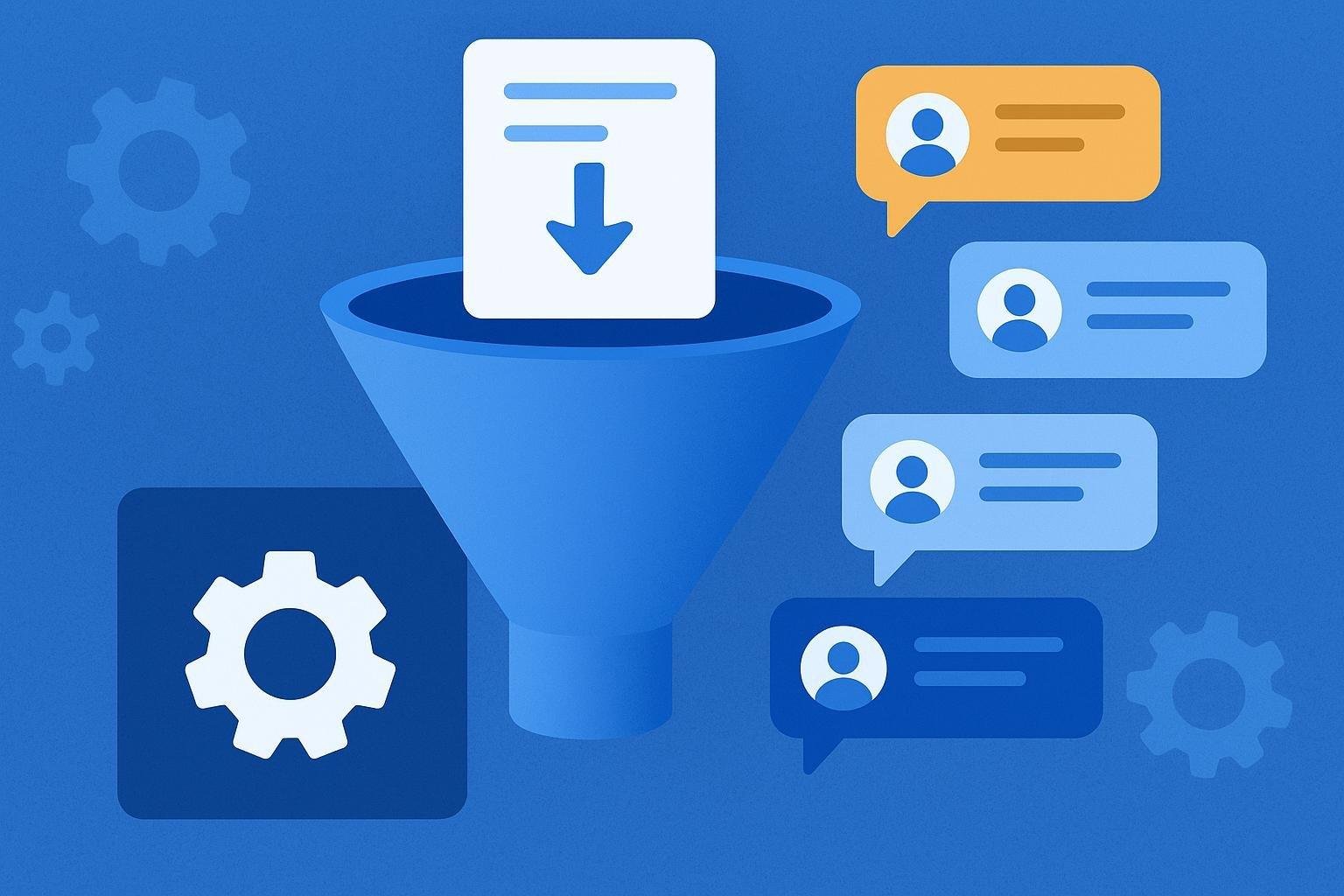
Managing social media feedback can become an overwhelming task as your business grows. Every message, opinion or query requires quick and accurate attention to maintain an engaged community and a positive image.
Fortunately, there are automation tools that simplify this process, allowing you to save time and effort. In this article you will discover which automations you can implement to effectively manage comments on your networks, thus improving interaction with your followers and boosting your online presence. 
Index
- Intelligent automation to classify comments in social networks
- Effective autoresponders: when and how to use them
- Recommended tools for moderating comments through artificial intelligence
- Best practices for customizing automations without losing proximity to users
- Automated comment analysis and tracking: optimize your interaction strategy
- Frequently Asked Questions
- Conclusions
Intelligent automation to classify comments in social networks
Manually managing social media comments can be time-consuming and effort-consuming. With intelligent automation tools, you can quickly sort comments based on their content, intent or sentiment expressed by the user.
For example, you can set up rules to automatically categorize comments into:
- Inquiries or questions: to quickly answer frequently asked questions.
- Complaints or problems: to prioritize customer service.
- Positive comments or recommendations: to identify opportunities for promotion or loyalty.
Using advanced artificial intelligence solutions, these tools continuously learn and improve classification accuracy. This allows you to provide more effective service, optimize your time and maintain the satisfaction of your followers without the need for prior technical knowledge. 
Effective autoresponders: when and how to use them
Using autoresponders allows you to effectively manage social media interactions, especially when you receive a high volume of comments. These responses are ideal when you need to provide quick solutions to frequent queries or keep communication active after hours.
To get the most out of these answers, keep the following in mind:
- Personalization: Include the user’s name and adapt the message according to the context.
- Clarity and brevity: Write short, clear answers oriented to solve common doubts.
- Timely referral: In complex cases, clearly indicate how you can be contacted directly for more personalized attention.
Here are some practical examples according to different situations:
| Situation | Example of automatic response |
|---|---|
| After hours consultation | Thank you for your comment, [name]. We’re not available right now, but we’ll get back to you first thing tomorrow, see you soon! |
| Request for prices or rates | Hello, [name]. You can check all our current prices and offers here: [link]. If you have any other questions, please write us again. |
| Negative comment or complaint | We are sorry to hear about your experience, [name]. We would like to attend to your case personally: send us a private message to help you better. |
Recommended tools for moderating comments through artificial intelligence
Manually managing social media comments can be time-consuming. Fortunately, there are smart tools that automate this process and allow you to focus on strategic tasks. The following options stand out for their ease of use and effectiveness:
- Brand24: Integrates semantic analysis to detect negative or potentially harmful comments and respond quickly.
- NapoleonCat: Offers automated moderation based on artificial intelligence to filter spam, inappropriate comments and frequently asked questions.
- Smart Moderation: Uses advanced algorithms to automatically remove offensive content and protect your brand image.
If you are in doubt about which tool to choose, check out this quick comparison table:
| Tool | Free trial | Supported languages | Ideal for |
|---|---|---|---|
| Brand24 | 14 days | English, Spanish and more | Reputational analysis |
| NapoleonCat | 14 days | English, Spanish and more | Multi-account management |
| Smart Moderation | 7 days | English, Spanish and more | Fast spam protection |
Remember to choose the tool that best suits your specific needs and the size of your community. Smart automation can be a great ally to keep your social networks healthy and free of unwanted comments.
Best practices for customizing automations without losing proximity to users
The key to personalizing automations while staying close to your followers is to create messages that reflect your voice and personality. Avoid overly generic or formal responses; instead, use simple and approachable language, adapted to your usual style of communication.
Also, segment your autoresponders according to the type of interaction you receive, clearly differentiating recurring situations such as frequent queries, thank yous or complaints. Some good practices to implement this are:
- Personalize with names: Whenever possible, include the user’s name in your automatic messages.
- Vary your responses: Set up several versions of the same message so they don’t seem repetitive.
- Offer contact alternatives: Clearly indicate how the user can contact you directly if they need personalized attention.
If you use external tools to automate your social media responses, be sure to periodically review their effectiveness. Check metrics such as user satisfaction or incident resolution rate to continually adjust and improve your automations.
| Type of interaction | Recommended automated response |
|---|---|
| Thank you for positive feedback | “Thank you, [Name]! We’re very happy to hear that you like our content.” |
| Frequent product inquiry | “Hi, [Name], here is a direct link with all the information about the product you mention.” |
| Complaint or negative comment | “We are sorry for your experience, [Name]. Write to us privately to help you personally.” |
Automated comment analysis and tracking: optimize your interaction strategy
To maintain efficient communication with your followers, you need to constantly monitor their comments and reactions. With automation tools, you can automatically track interactions, detect key mentions and classify comments according to their relevance or sentiment. This allows you to react quickly to negative comments, resolve frequent queries and boost positive interactions.
Some advantages you get by automating the analysis and tracking of comments are:
- Improved response times: You will receive immediate notifications about important or urgent comments.
- Smart tagging: You will be able to automatically categorize comments according to keywords, topics, or sentiments (positive, negative, neutral).
- Reporting: You will have periodic reports on the performance and evolution of the interaction with your audience.
Below is a comparison table with popular tools that can help you automate this process in social networks:
| Tool | Supported platforms | Sentiment analysis | Automatic reporting |
|---|---|---|---|
| Hootsuite | Facebook, Instagram, Twitter, LinkedIn | Yes | Yes |
| Buffer | Facebook, Instagram, Twitter, LinkedIn, Pinterest | No | Yes |
| Mention | All major social networks | Yes | Yes |
Frequently Asked Questions
What are automations for managing comments on social networks?
Automations are technological tools that allow you to efficiently manage the comments you receive on your social networks. With them you can automatically answer frequently asked questions, quickly manage negative messages or assign specific comments to the right members of your team.
How can these tools help you on a daily basis?
These automations allow you to save time and effort by quickly categorizing and responding to repetitive comments or common queries. In addition, they help you keep your social media community management organized and improve your followers’ satisfaction by receiving timely and relevant responses.
Is it possible to customize the automatic responses?
Yes, most tools that offer automation to manage comments allow you to customize automatic messages. You can adapt the tone, content and style of your responses according to your target audience, ensuring that followers perceive a close treatment and according to the voice of your brand.
Are there any risks in using automations for comments?
The main risk is that your autoresponders may become too generic or impersonal. To avoid this, it is important to set up automations properly, regularly monitor their performance and always combine automated responses with manual interactions when necessary.
What aspects should you consider when choosing an automation tool?
You should pay particular attention to whether the tool is compatible with the social media platforms you use, whether it allows you to customize your responses and whether it is intuitive and easy to use. It is also important to consider the provider’s reputation, technical support and the analysis and reporting options it offers.
Do automations completely replace manual comment management?
No, automations do not completely replace manual management; rather, they are a complement that helps you manage your online community more efficiently. It is always advisable to maintain a balance between automatic and manual responses to ensure a genuine and close interaction with your followers.
Conclusions
Efficiently managing comments on social networks is key to improving your relationship with your audience and optimizing your resources. The automations you have seen in this article can help you greatly to simplify repetitive tasks and focus on strategic aspects of your business.
Remember that technology is a powerful ally, but it must always be complemented with a human touch to maintain authentic relationships with your digital community. Experiment with these tools, analyze which solutions best suit your needs and start saving time today.
If you have any questions or need more tips on how to implement automations, leave me a comment and I’ll be happy to help you. Much success on your digital journey!