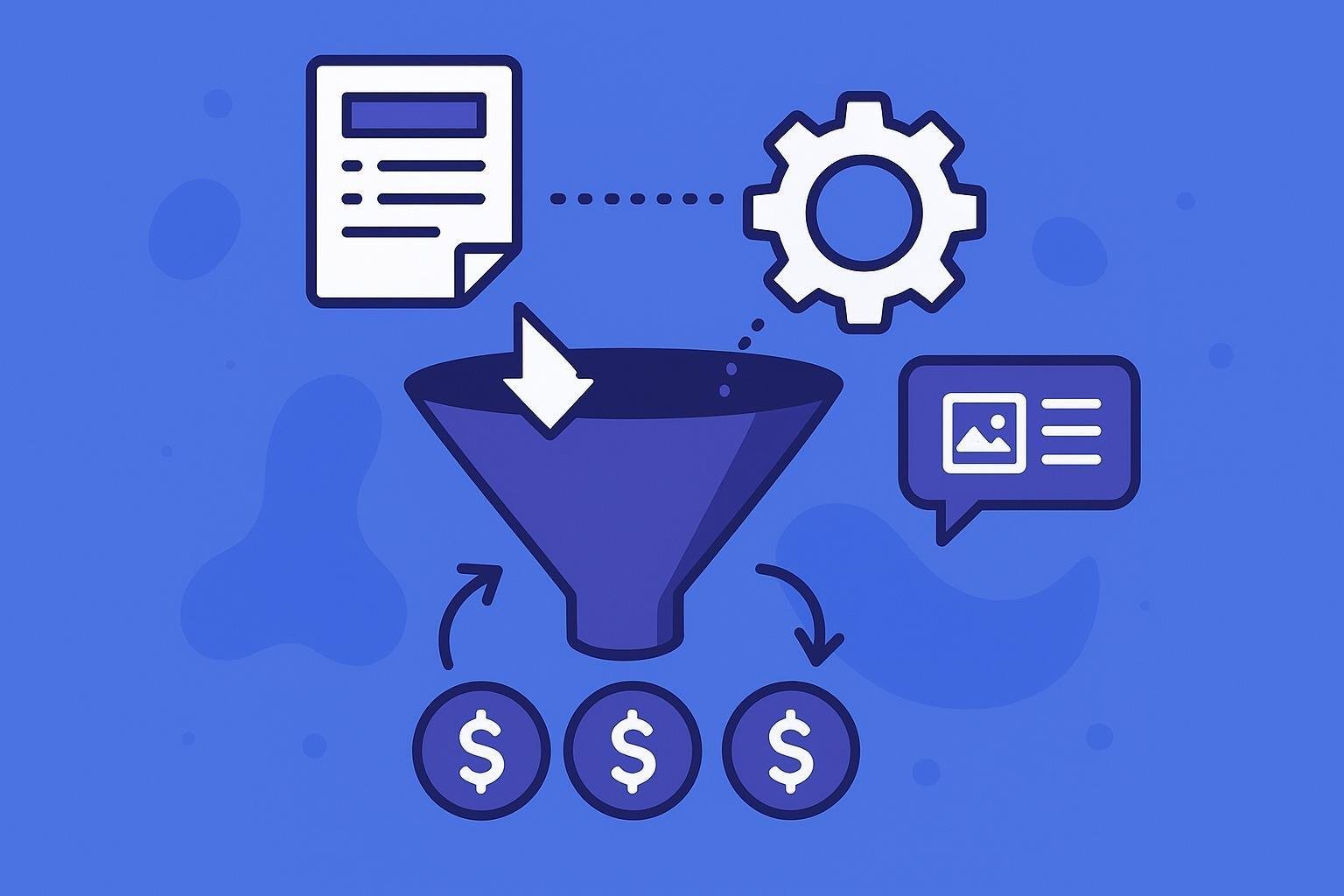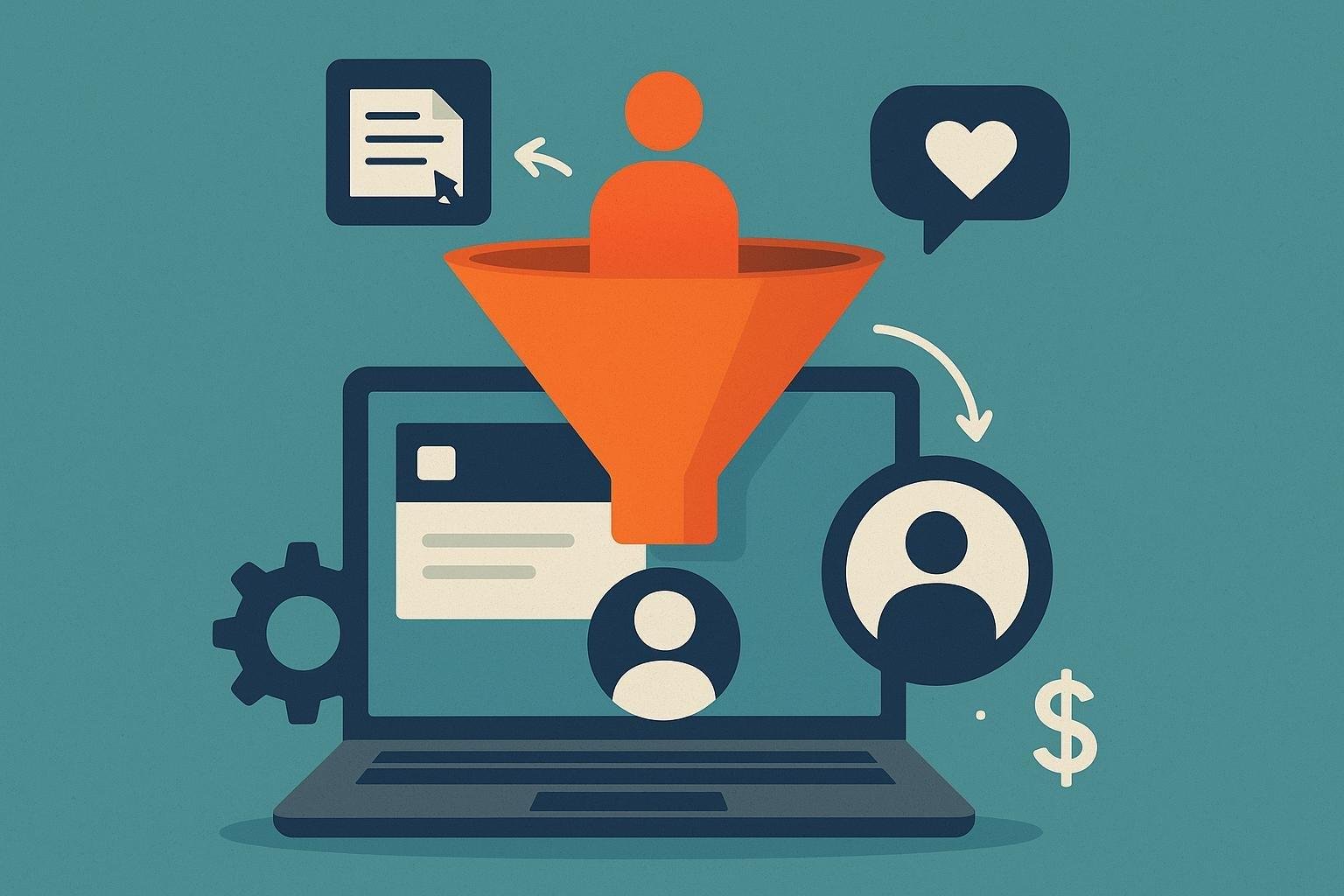
Implementing a CRM (Customer Relationship Management) system is essential if you want to boost your company’s sales effectiveness and automate the tracking of your leads. With this digital tool, you can centralize all your contact information, optimize the sales process, and significantly improve your relationships with potential customers.
In addition, by automating lead tracking, you’ll significantly reduce the time spent on repetitive tasks, allowing you to focus on strategic actions that drive your business’s growth. In this article, you’ll discover how to take your first steps toward integrating a CRM easily and effectively, even if you have no prior experience in digital marketing or programming. 
Index
- Choosing the Right CRM Based on Your Company’s Needs
- Initial CRM Setup to Optimize Lead Management
- Effective Strategies for Automating Lead Follow-Up
- Integrating CRM with existing tools to maximize results
- Evaluation and Analysis of Metrics to Continuously Improve the Business Process
- Frequently Asked Questions
- Summary
Choosing the Right CRM Based on Your Company’s Needs
Choosing the right CRM can make a big difference in your sales results. To make the right choice, first clearly define your goals: Are you looking to improve sales management, optimize customer service, or automate marketing processes? Once you’ve defined these aspects, evaluate different options based on key criteria:
- Ease of use: Choose an intuitive CRM with a short learning curve for you and your team.
- Available integrations: Make sure it integrates easily with the tools you already use (email marketing, social media, e-commerce, etc.).
- Scalability: Think ahead and choose a solution that can grow at the same pace as your business.
- Cost: Compare different options based on your budget and actual needs.
To help you make your decision, here’s a brief comparison of three popular CRMs:
| CRM | Ease of Use | Integrations | Starting price |
|---|---|---|---|
| HubSpot | Sign Up | Many | Free |
| Salesforce | Media | Many | €25/month |
| Zoho CRM | Sign Up | Various | €14/month |
Remember that there is no such thing as a universally perfect CRM; the best one for you will be the one that best meets your specific goals and makes your day-to-day work easier. Take your time to try out free versions or demos before making a decision. 
Initial CRM Setup to Optimize Lead Management
The key to optimizing your lead management lies in properly setting up your CRM from the start. To do this, the first step is to clearly define the stages of the sales process you’ll use, such as “new contact,” “active follow-up,” “proposal sent,” and “closed.” These stages will allow you to easily see where each opportunity stands and act quickly accordingly.
In addition, customize the key fields that will collect relevant information about your leads, such as:
- Lead source: social media, web forms, advertising campaigns, etc.
- Specific interests: products or services in which you expressed interest.
- Expected purchase date: to prioritize actions and follow-ups.
Finally, set up initial automatic rules to distribute tasks within your team. For example, you can configure the CRM so that when a new lead comes in through your web form, it automatically assigns the initial contact task to the responsible sales representative and sends them an immediate notification so they can act quickly.
Effective Strategies for Automating Lead Follow-Up
Automating the follow-up with your prospects not only saves you valuable time but also significantly increases your conversion rates. To do this, you’ll need to set up automated workflows within your CRM. For example, you can automatically trigger a welcome email when a user fills out a form on your website or schedule reminders for your team to make follow-up calls.
Among the most effective strategies are:
- Automatic segmentation: Categorize your prospects based on their interests, location, or stage in the sales funnel, thereby personalizing the content they receive.
- Automated lead scoring: assigns scores based on specific criteria (email opens, clicks, visits to specific pages), which helps you identify your hottest prospects.
- Predefined email sequences: Create automated email sequences that nurture your leads until they become customers.
In addition, it’s essential to periodically review key metrics such as email open rates, link clicks, and conversions to continuously optimize your process and improve results. Remember that automation doesn’t mean losing the human touch—it means optimizing your time so you can provide personalized attention to leads who are truly interested.
Integrating CRM with existing tools to maximize results
Once you’ve selected a CRM that’s right for your business, it’s essential to integrate it properly with the tools you already use on a daily basis. Integration will allow you to centralize your information, avoid duplicating tasks, and optimize your lead management.
Some of the most important integrations you should implement include:
- Email marketing: Connect your CRM to platforms such as Mailchimp, ActiveCampaign, or Sendinblue to automate personalized and segmented campaigns.
- Social Media: Integrate tools like Hootsuite or Buffer to manage social media interactions directly from your CRM.
- E-commerce: If you have an online store, integrate platforms such as WooCommerce or Shopify to automatically track purchases and customer behavior.
- Calendars and Productivity: Sync your CRM with Google Calendar or Trello to efficiently track meetings, tasks, and key dates.
Remember that effective integration not only improves operational efficiency but also provides you with valuable data on user behavior, making it easier to make strategic decisions based on real information.
Evaluation and Analysis of Metrics to Continuously Improve the Business Process
To ensure steady growth in your online business, it is essential to regularly evaluate key metrics related to the sales process. By measuring and analyzing this data, you can identify opportunities for improvement, optimize your strategies, and make effective decisions based on concrete facts.
Some key metrics you should track are:
- Lead conversion rate: the percentage of leads that become customers.
- Average closing time: how long it takes for a lead to turn into an actual sale.
- Cost Per Acquisition (CPA): the average amount spent to acquire a new customer.
- Return on Investment (ROI): profits earned relative to the capital invested in marketing.
You can organize your results into simple tables to make them easier to analyze visually, for example:
| Metric | Previous month | Current month | % Change |
|---|---|---|---|
| Conversion rate | 2.5% | 3.2% | +28% |
| Closing Time | 14 days | 11 days | -21% |
| CPA | 25€ | 20€ | -20% |
By regularly analyzing these metrics, you’ll be able to implement timely corrective actions, optimize your sales funnel, and gradually increase your business’s profitability.
Frequently Asked Questions
What exactly is a CRM, and how can it help me track leads?
A CRM (Customer Relationship Management) is a tool that allows you to manage and analyze information about your customers and prospects in one place. It helps you organize the sales process, automate repetitive tasks, and optimize lead tracking, allowing you to spend more time creating value and less time on administrative tasks.
What are the benefits of automating lead tracking with a CRM?
Automating lead follow-up allows you to reduce human error, improve efficiency, and maintain constant communication with your potential customers. It also makes it easier to personalize your follow-up, thereby increasing the chances of conversion and customer loyalty.
How can I tell if my company needs to implement a CRM?
If you’re having trouble managing data and interactions with potential customers, spending too much time on repetitive manual tasks, or finding that you’re missing out on sales opportunities due to inefficient follow-up, it’s probably the right time to implement a CRM.
What steps should I take to successfully implement a CRM in my company?
First, you must clearly identify your needs and goals. Next, select a CRM that meets those specific needs. Then, carefully migrate your existing data, train your team, and integrate the tool with other systems you already use. Finally, establish clear processes and make periodic adjustments based on the results you obtain.
Is it difficult to integrate a CRM with other tools I already use in my business?
Most CRMs offer predefined integrations or APIs that allow you to easily connect with tools you already use, such as email platforms, digital marketing software, or accounting applications. Although the process may require some technical knowledge, it is usually not complicated and is typically documented by the CRM provider.
How long does it take to see the benefits after implementing a CRM?
The time it takes to see the benefits may vary depending on the size of your business and the complexity of your processes. However, many companies begin to see improvements in efficiency and customer management just a few weeks after implementing a CRM. The most significant results are usually seen after a few months, once the system is fully integrated and your team has become accustomed to using it.
Are there any free or low-cost CRM options for small businesses?
Yes, there are several free or low-cost options that can meet the basic tracking and automation needs of small businesses. These solutions typically offer scalable plans, allowing you to expand functionality as your business grows.
How can I ensure that my team uses the CRM correctly once it’s implemented?
To get the most out of your CRM, it’s essential to properly train your team and establish clear procedures for using it. In addition, it’s a good idea to conduct regular follow-ups to identify challenges, address questions, and reinforce best practices. It’s also helpful to show your team the specific benefits the CRM brings to their daily work.
What should I consider when choosing the right CRM for my business?
It is essential that you consider factors such as ease of use, the ability to integrate with other tools, the specific features you need, the technical support available, and the cost of the service. Evaluate several options and try out free trials, if available, to determine which one best suits your business needs.
Can I measure the effectiveness of automated follow-ups using a CRM?
Yes, a good CRM provides detailed analytics and reports that allow you to measure the effectiveness of automated follow-ups. You’ll be able to evaluate key metrics such as conversion rate, average time from first contact to sale, the quality of the leads generated, and return on investment (ROI). This data will help you continuously optimize your sales processes.
Summary
Now you know how to implement a CRM and automate the follow-up of your leads to improve conversions and increase your profitability. Remember that the success of your digital business depends largely on how well you manage your relationships with your potential customers.
Start step by step, adapting each recommendation to your specific situation and don’t be afraid to experiment. CRM technology is accessible to any business or entrepreneur, regardless of size or prior experience.
Don’t forget to constantly evaluate the results you’ve achieved and adjust your strategy based on your business’s needs. Automating lead tracking will save you time, optimize your resources, and allow you to focus on what really matters: growing your business.
If you have any questions or need help with implementation, feel free to leave a comment or contact me directly. I’m here to support you on your journey to digital success!